
Modern Phishing & the Lookalike Domain Problem
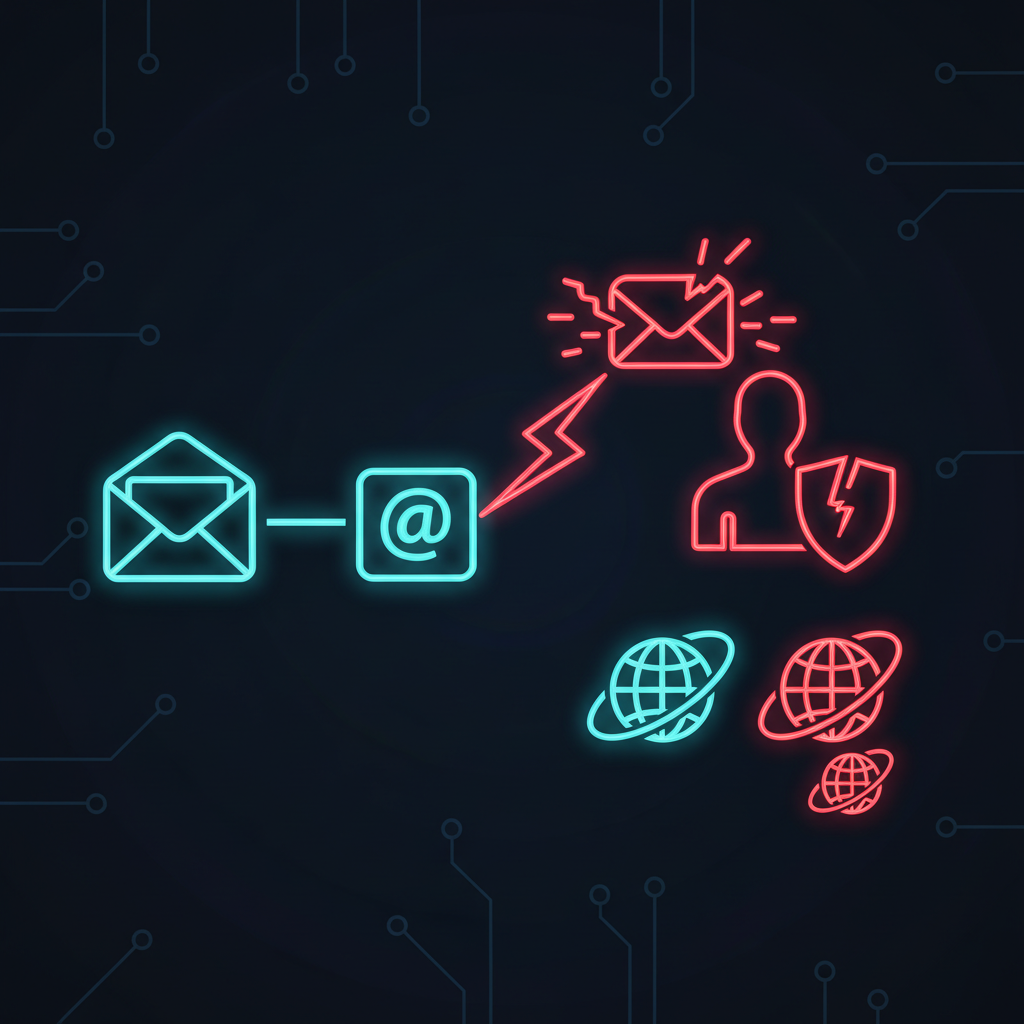
From Inbox to Impersonation
Phishing still works because it targets the weakest links in the security chain: humans and infrastructure; not just inboxes. Modern campaigns have moved far beyond the poorly-worded emails of the past, evolving into sophisticated brand impersonation attacks that leverage lookalike domains and trusted-link redirects to appear legitimate.
A recent campaign highlights the scale and speed of this threat; researchers discovered over 40,000 messages impersonating SharePoint and e-signing services. These attacks used finance-themed lures and passed them through trusted redirect flows to evade detection and trick users. If your people click, attackers steal credentials; if your brand is impersonated, customers and partners lose trust.
Reducing this risk requires a two-front defense: fortifying the user layer to spot and report threats, and defending the brand layer by finding and removing malicious phishing domains.
What Phishing Has Become
Phishing is an attempt to steal sensitive information like logins, financial data, and personal details by masquerading as a trusted source. Historically, this meant a suspicious email; today, it’s a multi-channel threat appearing across email, SMS (smishing), calls (vishing), and social media platforms. These attacks are often a precursor to more damaging outcomes like account takeovers and business email compromise (BEC).
The enterprise shift to cloud collaboration has fundamentally changed the look and feel of phishing lures:
- Fake "document share" notifications: Mimicking services like Microsoft 365, Google Workspace, and Dropbox.
- "Review contract / approve invoice" prompts: Exploiting business workflows to create a sense of urgency and legitimacy.
- Links that pass through legitimate services: Using URL rewriting, click tracking, and open redirects to mask the final malicious destination and lower suspicion.
The Red Flags: How to Spot a Phishing Attempt
Train your team to use this mental checklist before clicking any link or opening an attachment.
1. The message pushes urgency or consequence
Attackers manufacture pressure. Phrases like “Invoice overdue”, “account locked”, “final notice”, or “payment failed” are designed to make you act before you think.
2. The sender identity doesn’t match the context
Display names are easily spoofed; always inspect the full sender address. Look for subtle typos (e.g., microsft.com), extra characters, or entirely wrong but plausible-looking domains.
3. The link doesn’t go where you think it goes
On a desktop, hover over the link to preview the true destination URL. On mobile, press-and-hold the link to see a preview. Be especially wary of redirects and "wrapped" links used to bypass security filters.
4. It asks for secrets
No legitimate service will ask for passwords, MFA codes, or financial details via an unsolicited email. Treat any request for login "revalidation" or secret information as hostile by default.
5. It looks "normal" because it copies real branding
Modern phishing kits are pixel-perfect copies of real login pages, complete with legitimate logos, headers, footers, and button styles to feel authentic. This is why inspecting the URL is so critical.
What to Do When You Suspect Phishing
A swift, standardized response is crucial.
For Individuals: Fast, Safe Steps
- Do not click links or open attachments. Never interact with the payload.
- Verify through a separate channel. If the message appears to be from a known contact or service, contact them directly by phone, text, or by typing their website URL directly into your browser. Do not use contact information provided in the suspicious message.
- Report it, then delete it.
- Outlook: Use the
Report → Report phishingoption. - Gmail: Use the
More (⋮) → Report phishingoption.
- Outlook: Use the
If Someone Has Already Clicked or Entered Credentials
The Federal Trade Commission's guidance is clear: act quickly.
- Immediately change the password for the compromised account and any other accounts using the same credentials.
- Enable multi-factor authentication (MFA) everywhere it is available.
- Scan devices with updated anti-malware software.
- Follow your organization's internal incident response plan based on the type of data that was exposed.
The Brand Layer: Phishing Domains Are Your Attack Surface
Even with perfect internal controls and user training, attackers can still harm your organization by targeting its ecosystem:
- Your Customers: Fake support portals or payment pages designed to steal credentials and financial data.
- Your Partners: Malicious "shared file" workflows that compromise supply chain partners.
- Your Employees: Credential harvesting sites hosted on lookalike domains that mimic your internal services.
This means modern phishing defense cannot stop at the email gateway. You need continuous visibility into domain and brand abuse across the entire internet.
How Flawtrack Protects Your Brand Continuously
Flawtrack’s Continuous Threat Exposure Management (CTEM) platform provides the external visibility needed to combat brand impersonation and lookalike domains.
1. Detect Phishing Domains and Lookalike Sites Early
Flawtrack continuously monitors for newly registered typosquatting domains, counterfeit sites, and phishing campaigns that are impersonating your brand, giving you an early warning before attacks scale.
2. Strengthen Email & Domain Posture
Our platform analyzes and reports on your DMARC, SPF, and DKIM configurations. This helps you close the technical gaps that attackers exploit to spoof your domains and send fraudulent emails that appear to come from you.
3. Execute Takedowns to Neutralize Threats
Finding a phishing site is only the first step; taking it down is what matters. Flawtrack includes domain and website takedown services to actively remove malicious infrastructure targeting your brand, customers, and partners.
4. Catch Credential Exposure That Fuels Phishing
Attackers often use pre-existing breached credentials in their campaigns. Flawtrack monitors leak sites, criminal forums, and public code repositories for your corporate credentials and secrets, allowing you to rotate them before they can be used for account takeover.
5. Integrate Findings into Your Workflow
Flawtrack sends prioritized, clustered findings directly into your ITSM, SOAR, and SIEM tools. This reduces alert fatigue and ensures that critical threats are routed to the right teams for immediate action.
A Simple Operational Playbook for Your Team
When a phishing incident is reported, follow these steps:
- Triage: Identify the sender domain, link destination, impersonated brand, and scope of affected users.
- Contain: Block the malicious sender and domains at the network edge; force password resets for any affected users and ensure MFA is enabled.
- Hunt: Search email logs and network traffic for similar indicators of compromise and proactively scan for other lookalike domains.
- Eradicate: Initiate takedown procedures for the malicious domains and web pages.
- Learn: Use the incident as a real-world example in your security awareness training and update technical controls to block similar future attacks.
Protecting your organization requires a proactive strategy that extends beyond the inbox. See how attackers view your brand from the outside.
Request a demo to learn how Flawtrack monitors phishing domains, typosquats, and leaked credentials as part of a continuous exposure management program.
END_OF_FILE
HASH: 57MT6QU7N9R
Related Intelligence
Your Employees Are Your Biggest Attack Surface: Managing Human Cyber Risk
Your employees are your human attack surface. Learn how to find exposed staff, score per-person risk, and cut human cyber risk beyond awareness training.
Why Executives Are the #1 Target: A Guide to Executive Protection in Cybersecurity
Executive protection cybersecurity explained: why attackers target the C-suite, the four vectors they use, and how to monitor VIP credentials.
Brand Impersonation: The 7 Channels Attackers Use to Clone Your Business
Brand impersonation protection starts with knowing the 7 channels attackers use to clone your business — and how fast takedowns shut them down.
Ready to Secure Your Infrastructure?
Join forward-thinking engineering teams who trust Flawtrack for continuous vulnerability scanning and threat detection.
Get Started Now